Interactive Flight Sim Checklists
A community-maintained directory of interactive checklists for DCS, MSFS, X-Plane, and other flight simulators. Free to use and publish; accessible in a web browser on desktop, tablet, or mobile.
DESIGN CONSIDERATIONS
Many digital and browser-based checklists fail to account for task saturation, varying screen sizes, and mixed touch and mouse interaction. Our checklist interface is designed to address these conditions directly.
Layout & Pagination
Checklists are paginated and rendered full-screen to eliminate scrolling and preserve step position. Pages advance automatically once all steps are complete.
Interaction Model
Interaction patterns are designed to work consistently across touch and mouse input. Steps can be checked off directly, with page navigation supported via swipe gestures or mouse wheel input. Optional reference material attached to individual steps can be accessed via long-press or right-click.
Platform Support
The interface is browser-based and compatible with desktop, tablet, and mobile devices. Selected checklists are also available directly in-game for the DCS F-4E Phantom II.
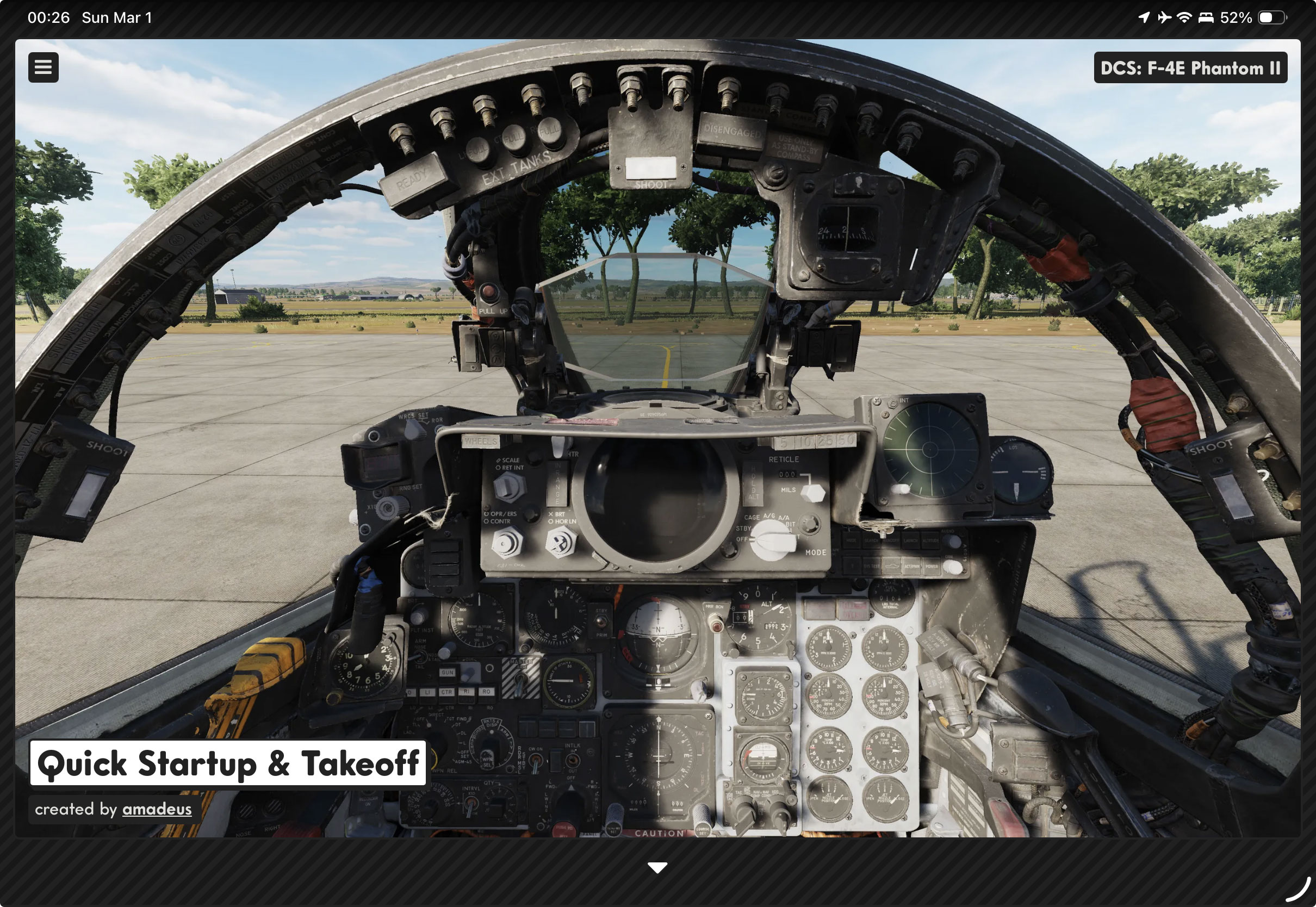

Checklist Examples


Create Your Own Checklists
Not every procedure fits the same format. Whether you need a comprehensive NATOPs-style reference covering every system in the aircraft or a condensed startup card for a quick carrier launch, our editor gives you the tools to build it to your exact specifications.
Colors & Annotations
Individual steps and sections support custom label and value colors with optional invert mode. Checkpoint separators and forced column breaks provide additional control over visual grouping and layout.
Drag & Drop
Steps, sections, and pages can be reordered simply by dragging and dropping. Reference images can be attached by dropping image files directly onto individual steps.
Live Preview
A dedicated preview window can be opened alongside the editor that updates in real time as items are added, reordered, or modified. The preview is fully interactive — pages advance, steps check off, and reference material is accessible.